
Overview
After onboarding, operators use Clusters for continuous health management, deployment oversight, and safe lifecycle changes.Daily Operations Loop
1) Health Monitoring
- Review General tab for CPU/GPU/memory/storage trends.
- Check for abrupt drops in available workers or nodes.
- Use time windows to detect regressions.
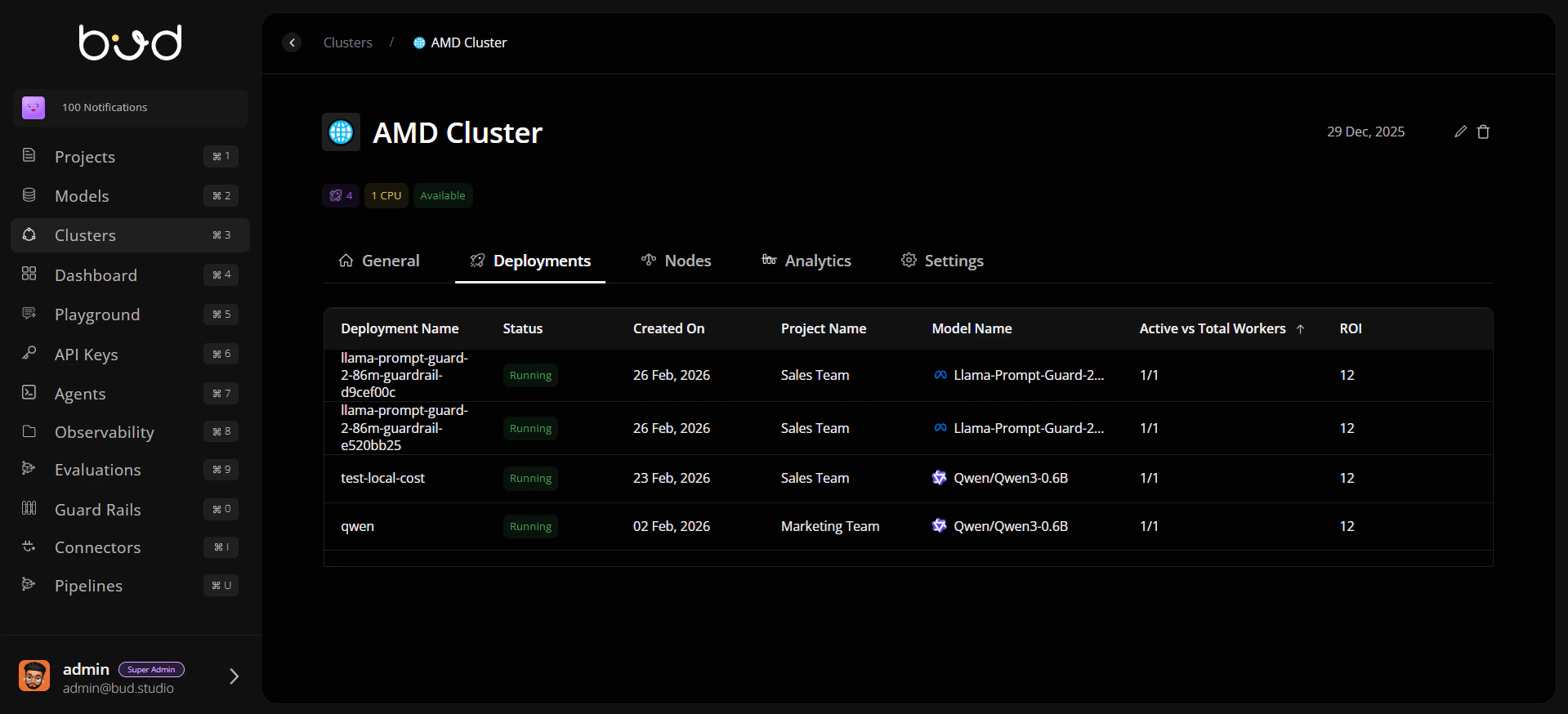
2) Deployment Oversight
- Open Deployments tab to review active workloads.
- Confirm deployment status, worker counts, and routing behavior.
- Escalate unhealthy deployments before cluster-wide degradation.
3) Node Diagnostics
- Use Nodes tab for request-vs-allocatable analysis.
- Open node event panels for warnings (scheduling failures, connectivity, taints).
- Prioritize repeated or high-severity events for immediate remediation.
4) Safe Editing and Deletion
- Use edit actions to update metadata like name or ingress.
- Before deletion, confirm no active endpoints depend on the cluster.
- Record change rationale for governance and post-incident reviews.
Incident Response Pattern
Best Practices
Separate production and non-production clusters with clear naming.
Review node events before and after major deployment rollouts.
Avoid destructive operations during unresolved incidents.
Align cluster actions with RBAC and audit policy requirements.