
Step 1: Open Evaluations
- Sign in to Bud AI Foundry.
- Go to Evaluations in the sidebar.
- Keep the Experiments tab open for run management.
Step 2: Create an Experiment
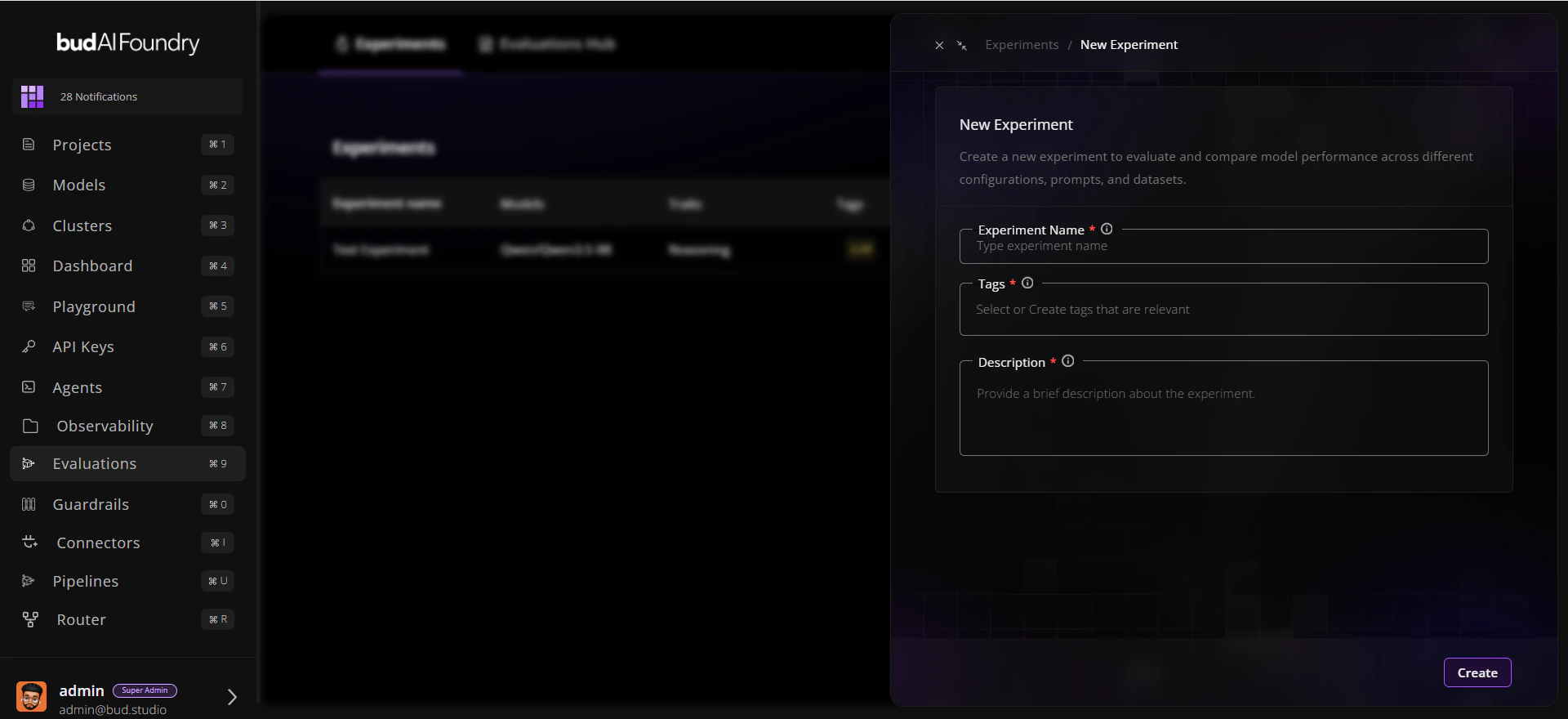
- Click New experiment.
- Enter:
- Name:
Baseline Reasoning Comparison - Description:
Compare candidate models on reasoning traits - Tags:
baseline,reasoning
- Name:
- Save the experiment.
Step 3: Start a Run
- Open the experiment you created.
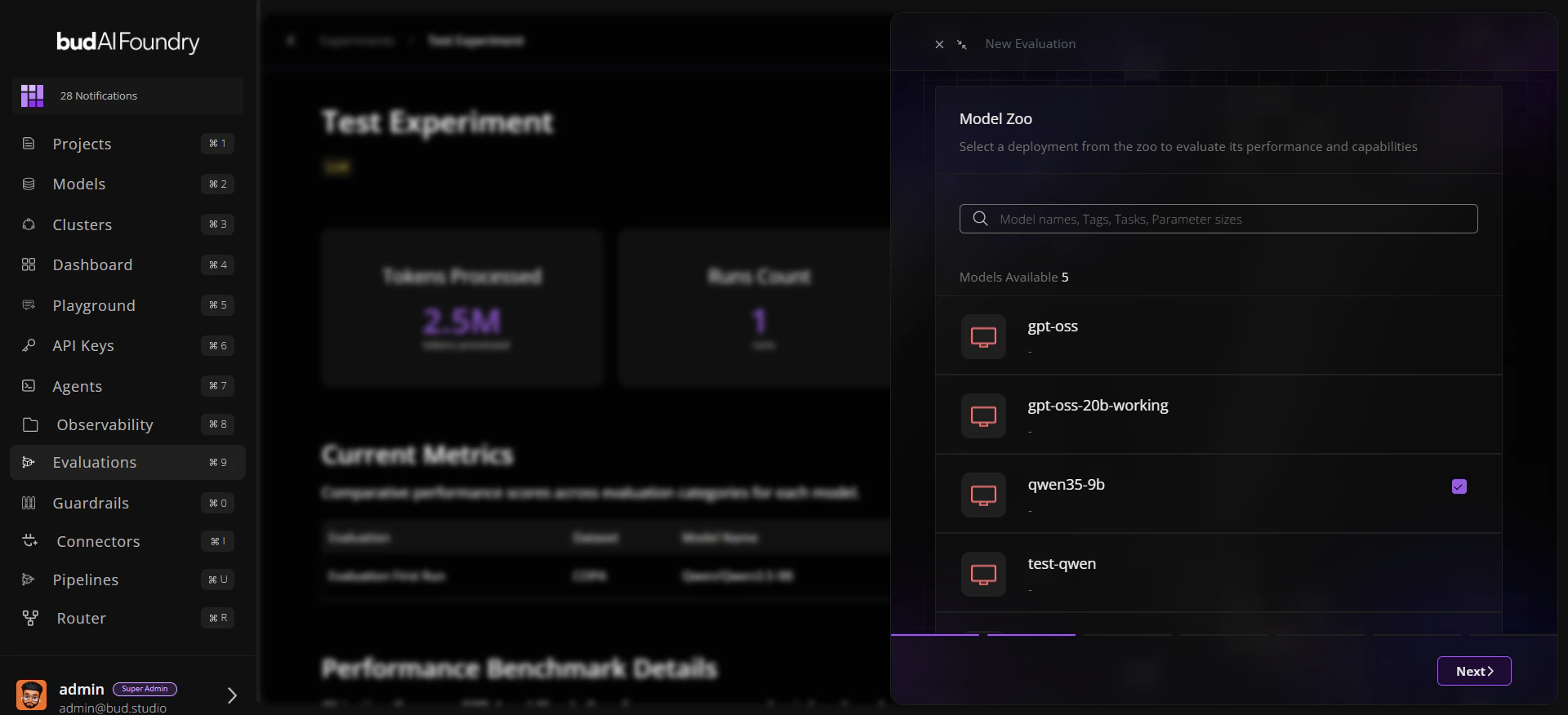
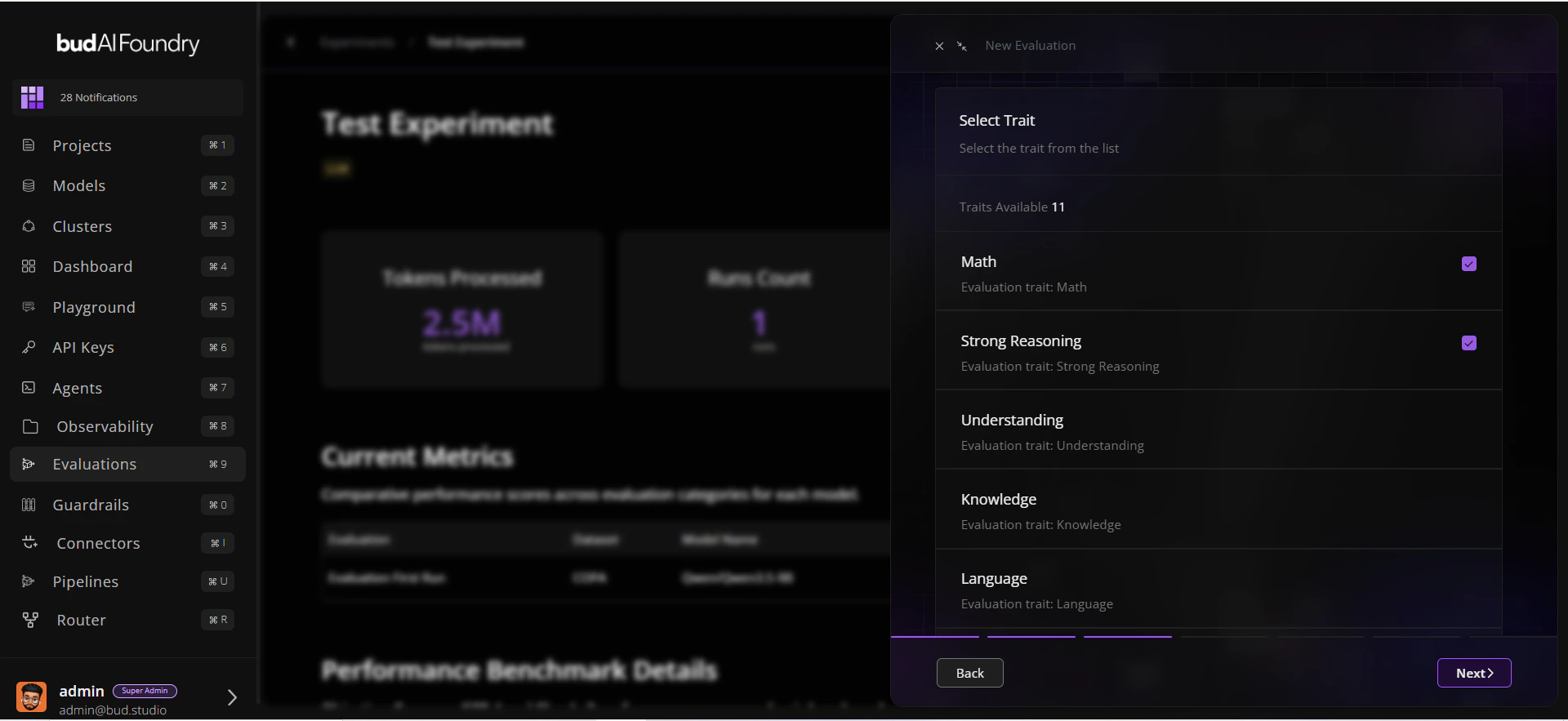
- Click Run Evaluation.
- Select:
- A model (deployment or supported target)
- One or more traits
- Datasets mapped to those traits
- Confirm and start the run.
Step 4: Monitor Progress
- Watch run status in the experiment table.
- Open run details to review:
- Status and duration
- Trait-level scores
- Dataset-level benchmark summary
Step 5: Compare and Decide
- Open the dataset in Evaluations Hub.
- Use Leaderboard for cross-model ranking.
- Use Evaluations Explorer for prompt/response-level inspection.