
Capability catalog and virtual servers
The catalog contains independently managed tools, resources, prompts, and skills. A virtual server is the composition boundary: it selects which catalog items a particular MCP endpoint exposes. This lets a platform share a common catalog without making every capability available to every agent.Tools
A tool describes an operation an agent can request. For internally managed HTTP integrations, the definition includes the endpoint, request configuration, authentication, an argument schema, and visibility. The schema is an important control: it documents the action and constrains valid inputs before the backend is called.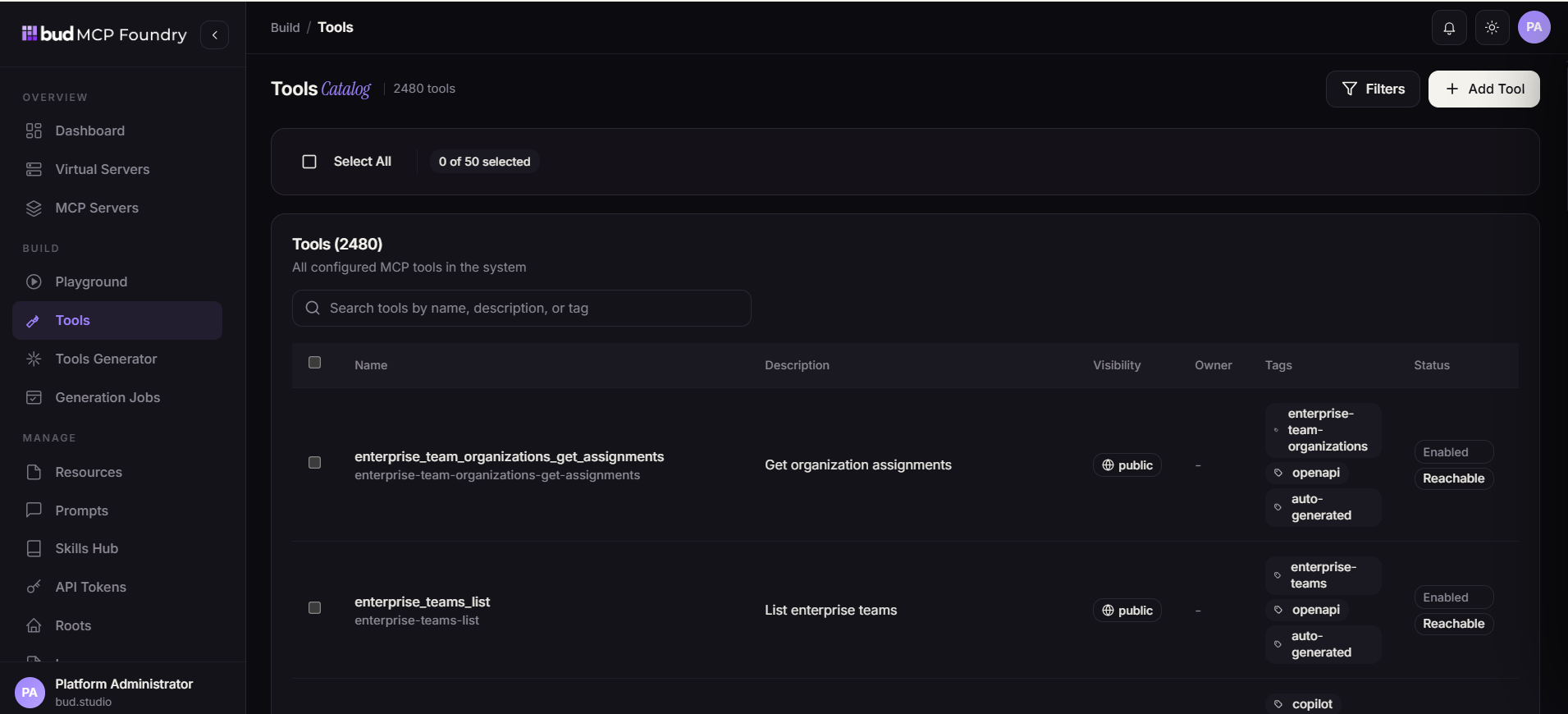
Resources
Resources make information available as MCP-readable context. They may point to a URL or contain inline text. Use tags, ownership, resource type, and visibility to make resources discoverable and maintainable. Attach a resource to a virtual server before expecting an agent connected to that server to access it.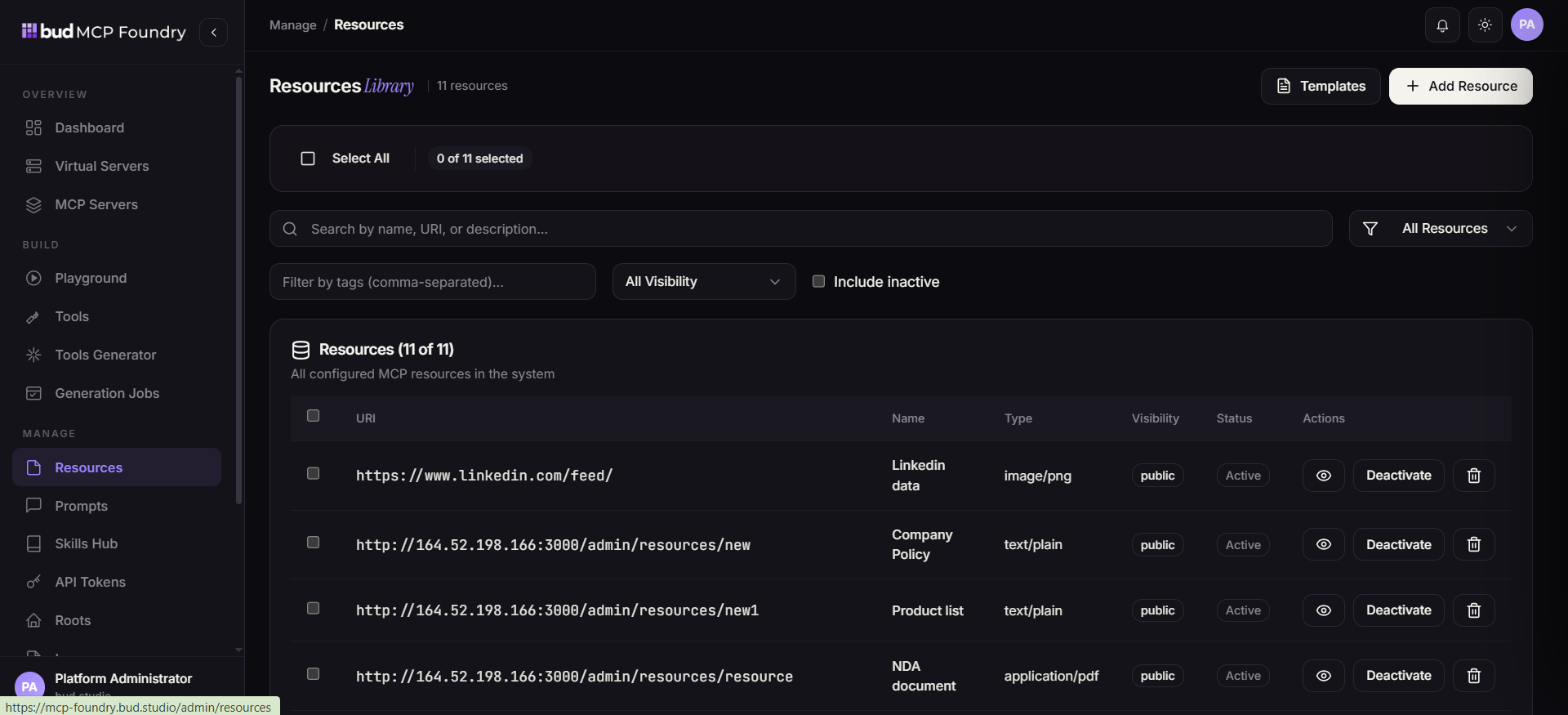
Prompts
Prompts are named, reusable instruction templates. They accept declared arguments and can use Jinja-style templating to adapt to different inputs. When a prompt is attached to a virtual server, MCP clients can discover it as a named capability instead of embedding the instruction in every client application.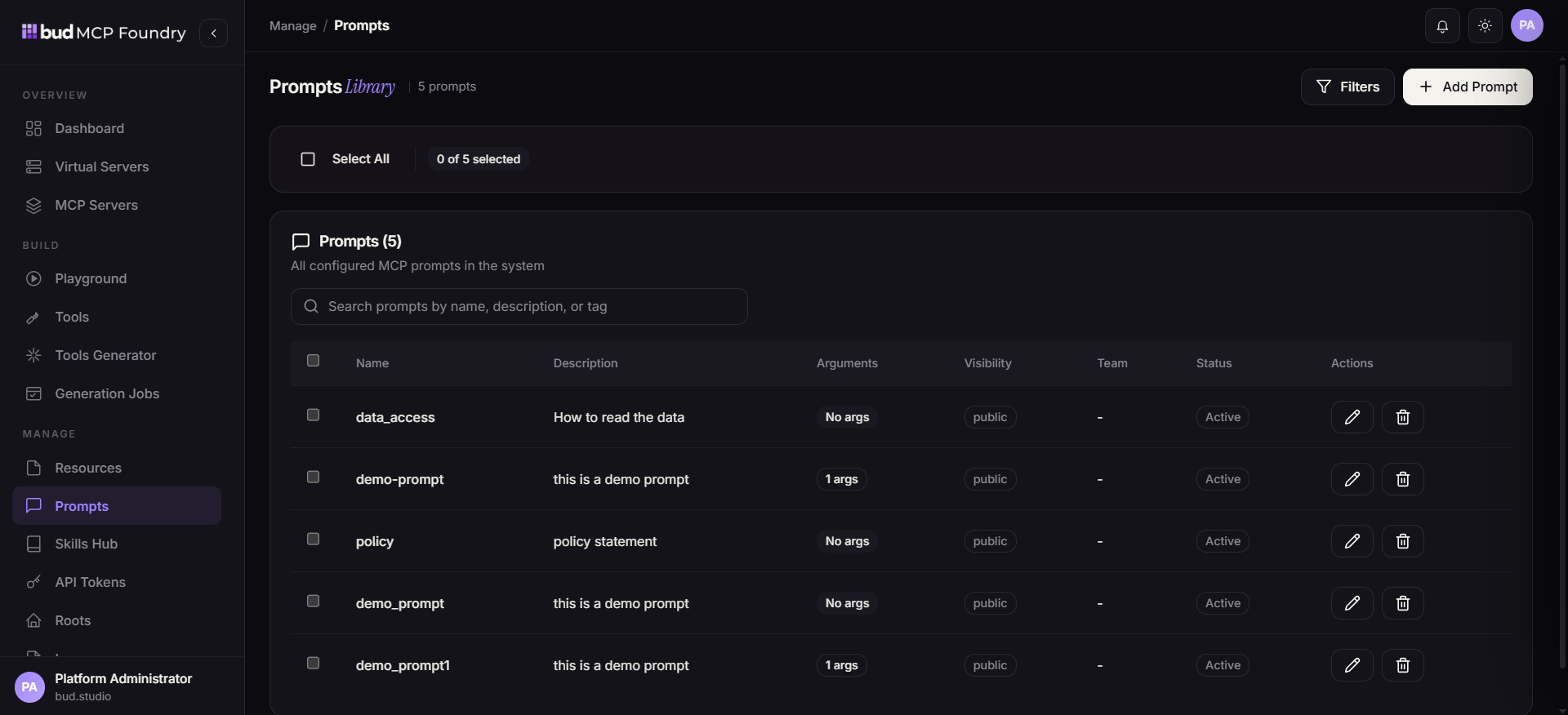
Skills
A skill is a portable package of markdown instructions and associated tools. It describes an outcome-oriented procedure: which tools to use, constraints to follow, checks to perform, and how to format a response. Skills make organizational operating knowledge reusable across agents and supported gateways.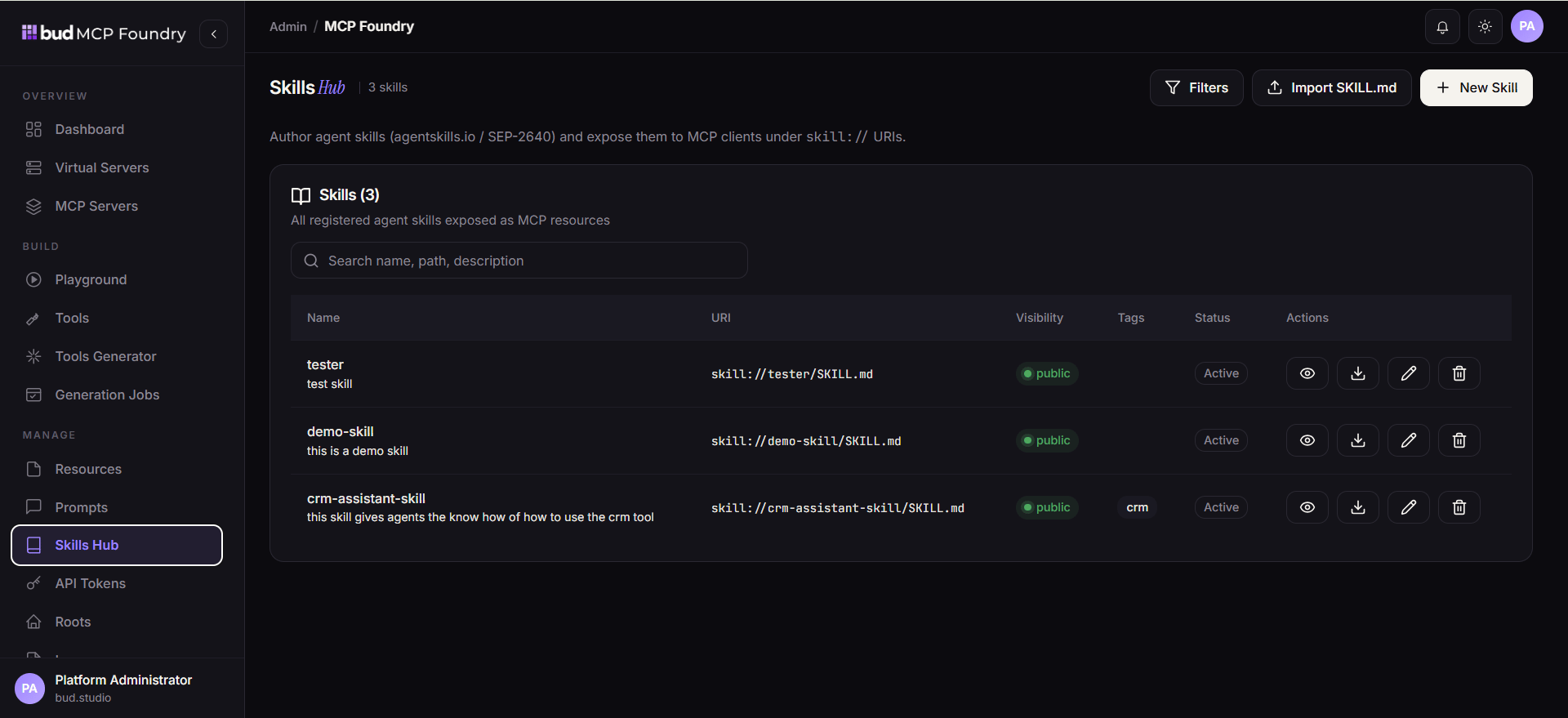
MCP servers and federation
An MCP server is a provider of MCP capabilities. MCP Foundry can connect to pre-integrated registry entries, hosted endpoints, self-hosted services, and server packages that need a network wrapper. Connected capabilities can be incorporated into the catalog and composed into virtual servers.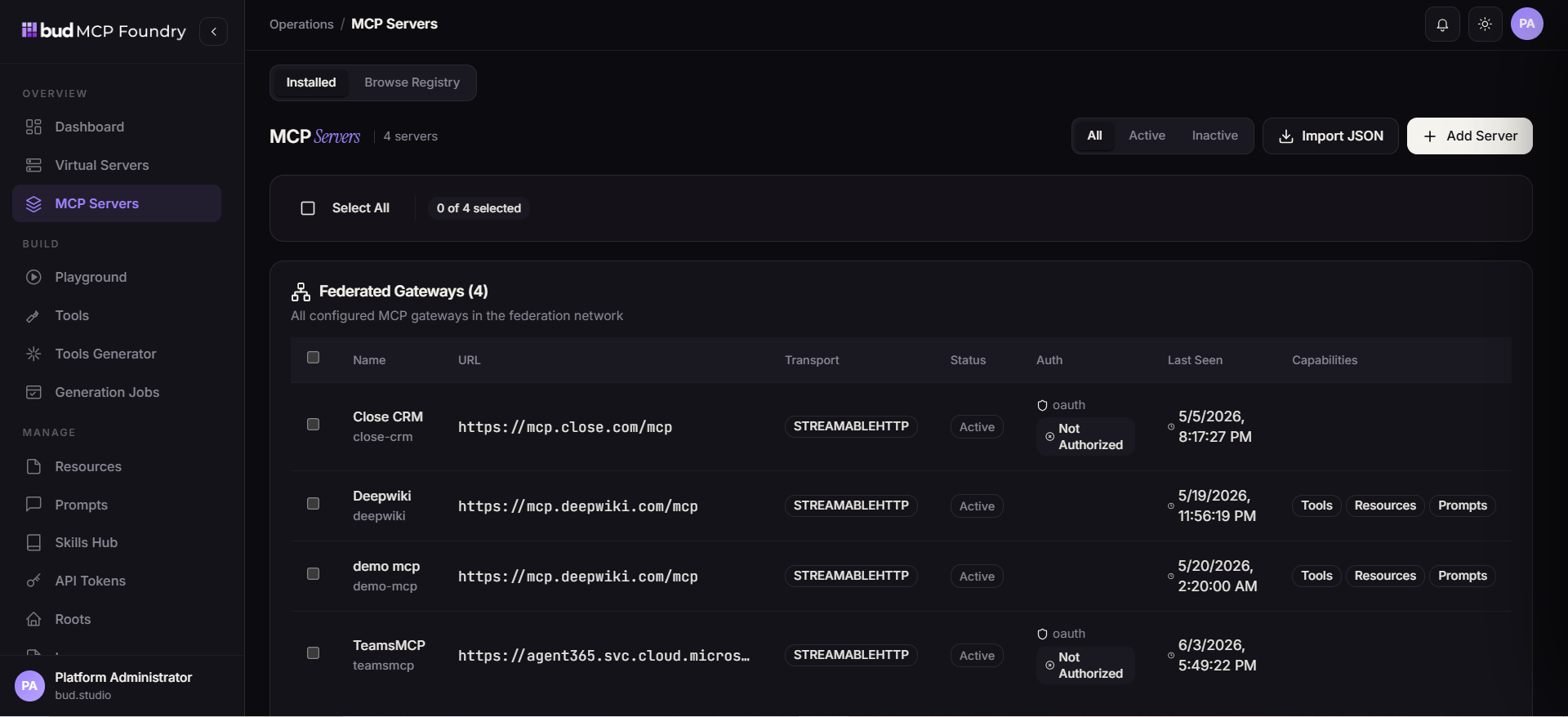
Access and governance
Use several complementary boundaries rather than relying on a single setting:Important: Visibility does not replace least-privilege backend credentials. Give each tool only the API permissions required for its intended operation, and expose the tool only through the necessary virtual servers.
Lifecycle
A healthy capability lifecycle is iterative: define, validate, publish, observe, and refine. Generation jobs follow the same principle—review generated tools before associating them with a production virtual server.Design recommendations
- Prefer several small, purpose-specific virtual servers over one broad endpoint.
- Keep tool descriptions action-oriented and schemas explicit so agents can choose tools correctly.
- Treat prompts and skills as governed assets: give them owners, tags, and a review path.
- Start generated tools in a restricted environment and validate endpoint, authentication, argument mapping, and error behavior.
- Use teams and server composition to minimize accidental cross-department exposure.