
Overview
Bud AI Foundry Evaluations help teams measure model quality before rollout. You can benchmark Bud-hosted and cloud-connected models using curated datasets, trait filters, and repeatable experiment runs.What You Can Do
Discover Benchmarks Use Evaluations Hub search and trait filters to find relevant datasets quickly. Run Structured Experiments Group one or more runs under an experiment, then compare model results over time. Inspect Results Deeply Use Details, Leaderboard and Evaluations Explorer tabs to move from summary scores to row-level evidence. Export for Governance Export evaluation outcomes as CSV for audits, reviews, and reporting.Core Screens
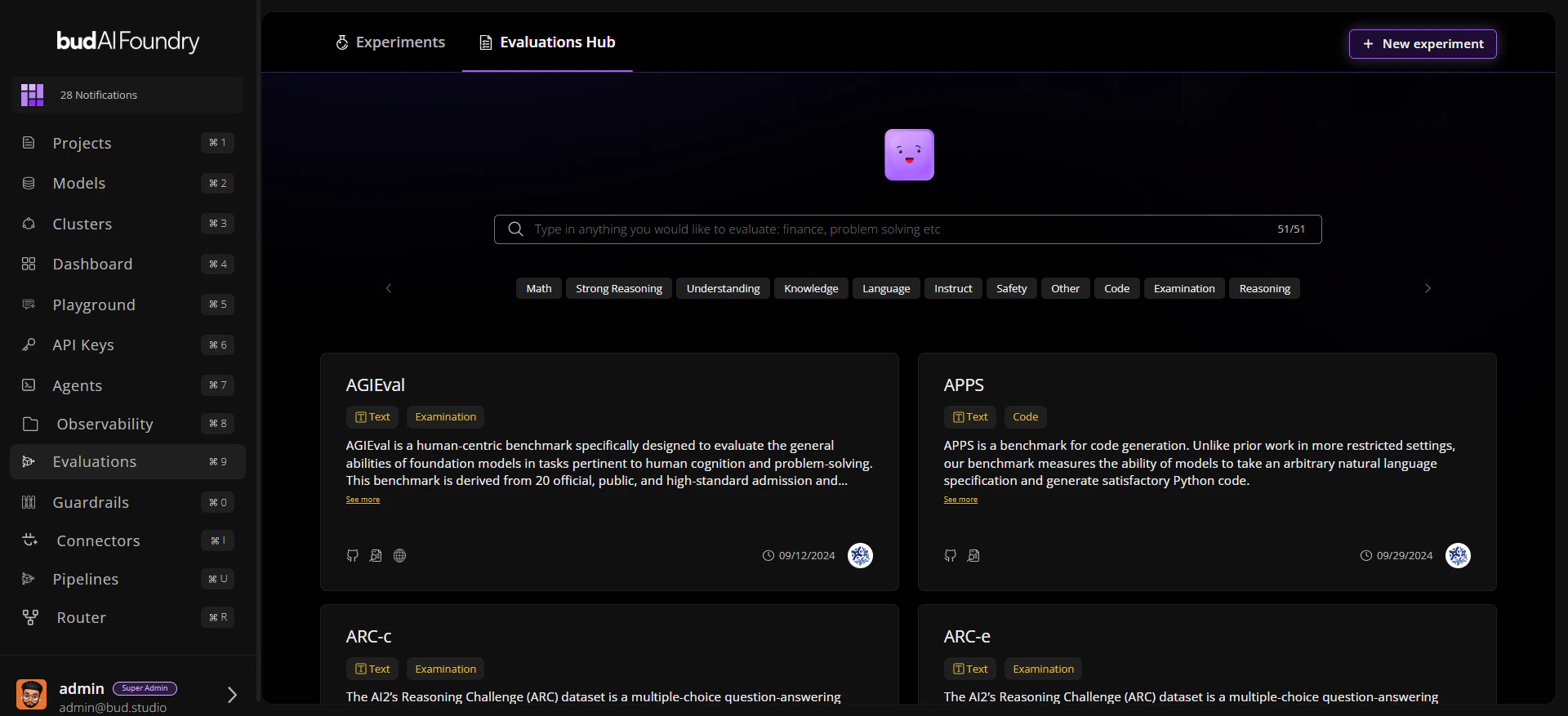
Evaluation Lifecycle
- Discover a dataset in Evaluations Hub.
- Create or open an Experiment.
- Launch a Run Evaluation workflow.
- Monitor run status and per-trait scores.
- Compare outcomes and rerun with updated configuration.