
What You’ll Build
A baseline experiment that:- Evaluates one model against selected traits and datasets.
- Captures run metrics and status.
- Produces results for leaderboard comparison.
Prerequisites
- Access to Bud AI Foundry with Evaluations enabled.
- At least one model or deployment available for testing.
- Clear evaluation goal (for example: quality gate for release candidate).
Step 1: Create Experiment Container
- Open Evaluations → Experiments.
- Click New experiment.
- Add name, description, and tags.
- Save.
Step 2: Configure Evaluation Run
- Open the experiment detail page.
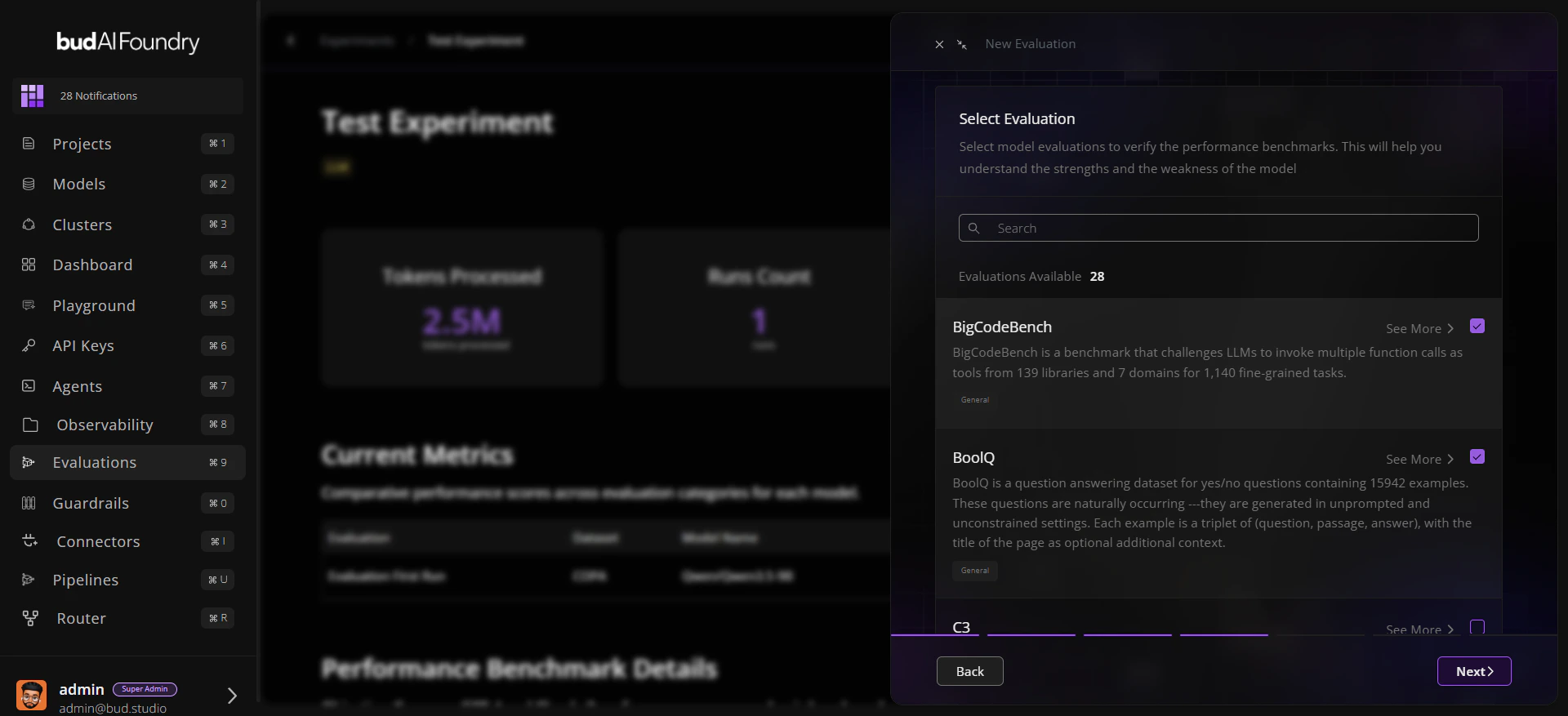
- Click Run Evaluation.
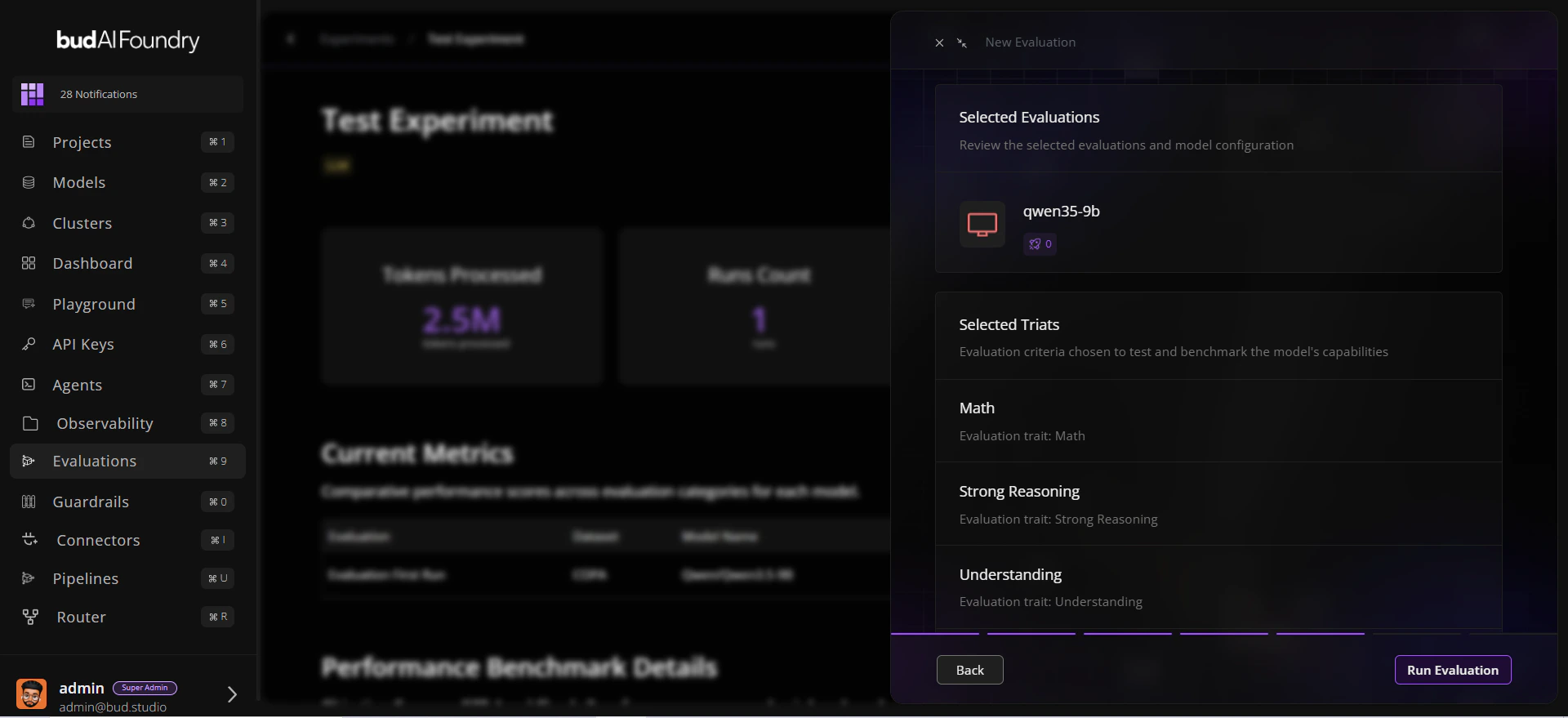
- Choose:
- Model target
- Relevant traits
- Datasets corresponding to those traits
- Review selection scope.
Step 3: Launch and Observe
- Submit the run.
- Track state transitions (queued/running/completed/failed).
- On completion, review:
- Overall benchmark summary
- Current metrics by trait
- Run timing and status fields
Step 4: Validate with Dataset Evidence
- Open the evaluated dataset page.
- Check Leaderboard for rank context.
- Open Evaluations Explorer to verify sample-level behavior.
Step 5: Iterate
- Rerun with different model configurations.
- Keep the same experiment for apples-to-apples comparisons.
- Use tags for milestone checkpoints like
rc1,rc2, orprod-candidate.
Common First-Run Checklist
Selected model is correct and reachable.
Traits match the capability you want to measure.
Datasets align with domain and modality needs.
Run status and duration are captured for each attempt.
Final decision includes Explorer evidence, not only aggregate score.