
Overview
The Clusters module is Bud’s infrastructure control plane for model-serving and evaluation workloads. It gives platform teams a single place to onboard clusters, track health, manage node capacity, and apply runtime defaults. Whether you run GPU-heavy production inference or mixed CPU/GPU environments, Clusters helps you keep operations reliable and auditable.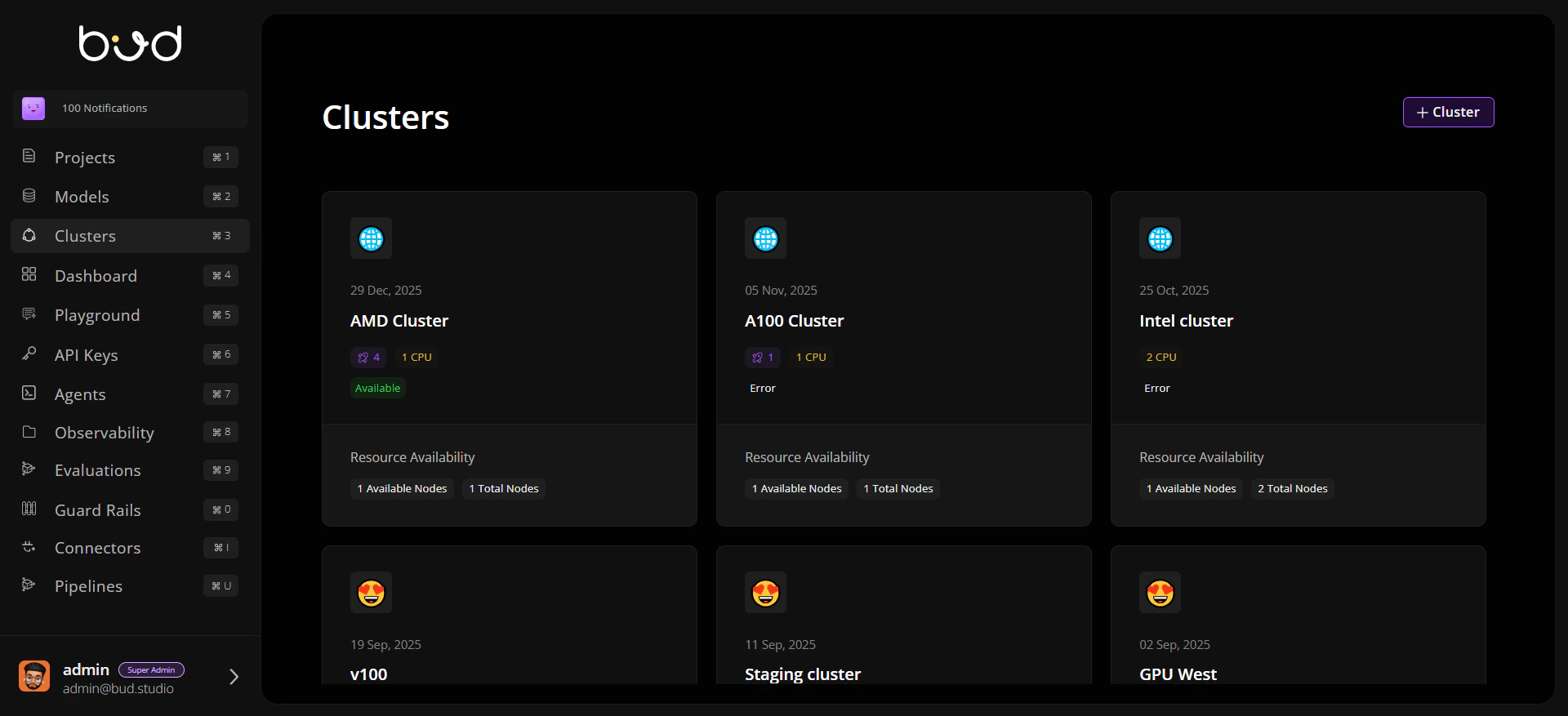
Why Clusters Matter
Unified infrastructure visibility Track capacity, status, and deployments across all connected clusters. Safe cluster lifecycle operations Add, edit, and remove clusters with guardrails for active deployments. Hardware-aware planning Understand CPU/GPU/HPU/TPU availability, worker utilization, and scaling readiness. Operational defaults at cluster level Configure storage classes and access modes once and reuse across deployments.Cluster Lifecycle in Bud
Core Areas in the Clusters Module
Who Uses This Module
- Platform / Infra teams managing capacity and reliability.
- MLOps teams validating where models should run.
- Security and governance leads auditing cluster operations and permissions.