
Before You Start
Make sure you have permission to create and manage projects in your workspace.1. Create the Project Record
- Open Projects.
- Click + Project.
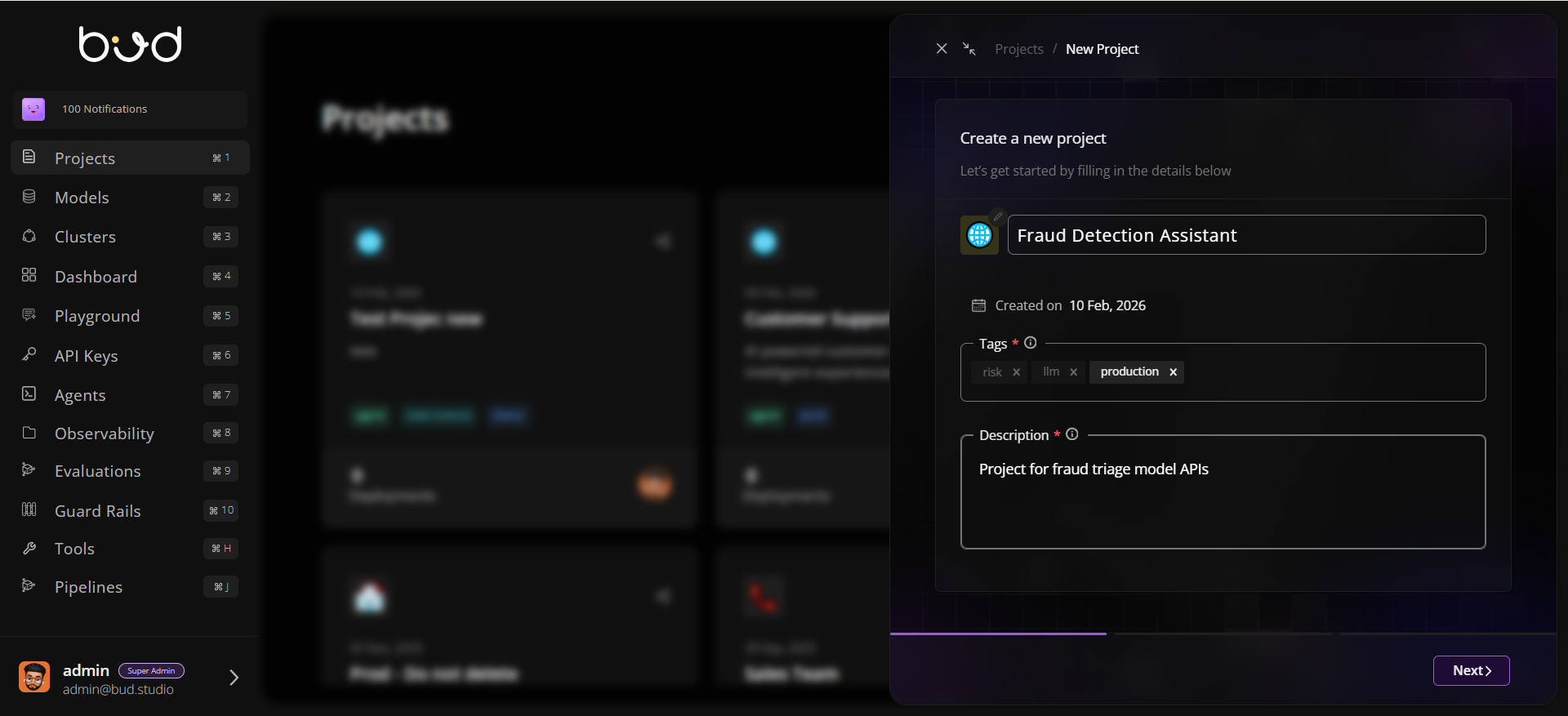
- Fill in:
- Name:
Fraud Detection Assistant - Description:
Project for fraud triage model APIs - Tags:
risk,production,llm
- Name:
- Click Next to create project.
- Proceed to the Invite members step.
2. Add Team Members
- Open the new project.
- Click Share/Invite.
- Add users and assign view/manage scopes.
- Confirm invited members appear in project access controls.
3. Deploy a Model in the Project
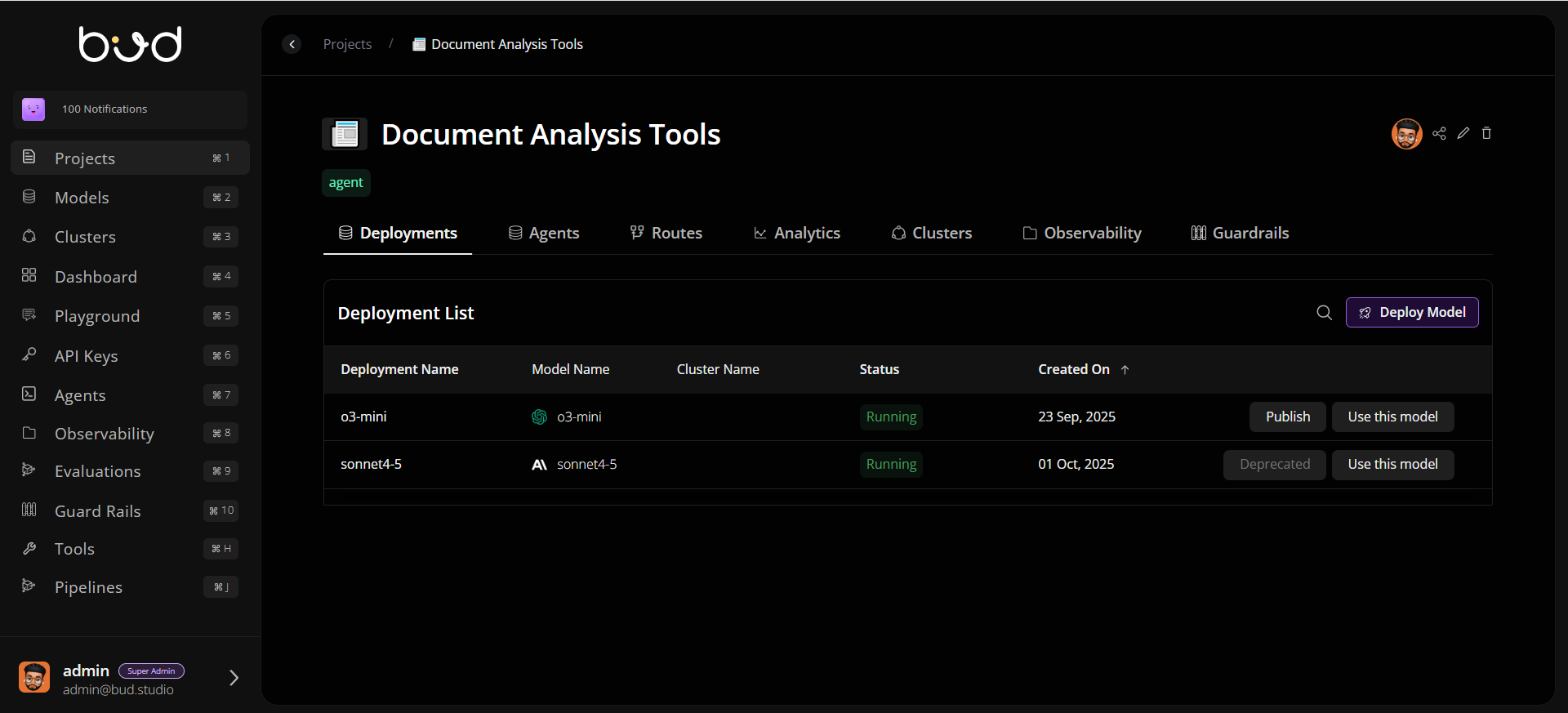
- Go to the Deployments tab.
- Create a deployment and select:
- Model source (for example Hugging Face or cloud provider)
- Target cluster
- Deployment name
- Save and wait for deployment status to become healthy/ready.
4. Configure Deployment Settings
Open deployment Settings and configure:- Rate limits to protect capacity
- Retry/fallback rules for resiliency
- Autoscaling minimum/maximum replicas and trigger metrics
5. Add Route Logic
- Open the Routes tab.
- Create a route and select strategy (for example simple shuffle or least busy).
- Attach one or more eligible deployments.
- Save and validate route status.
6. Validate Analytics and Observability
- Open Analytics to inspect baseline latency/throughput.
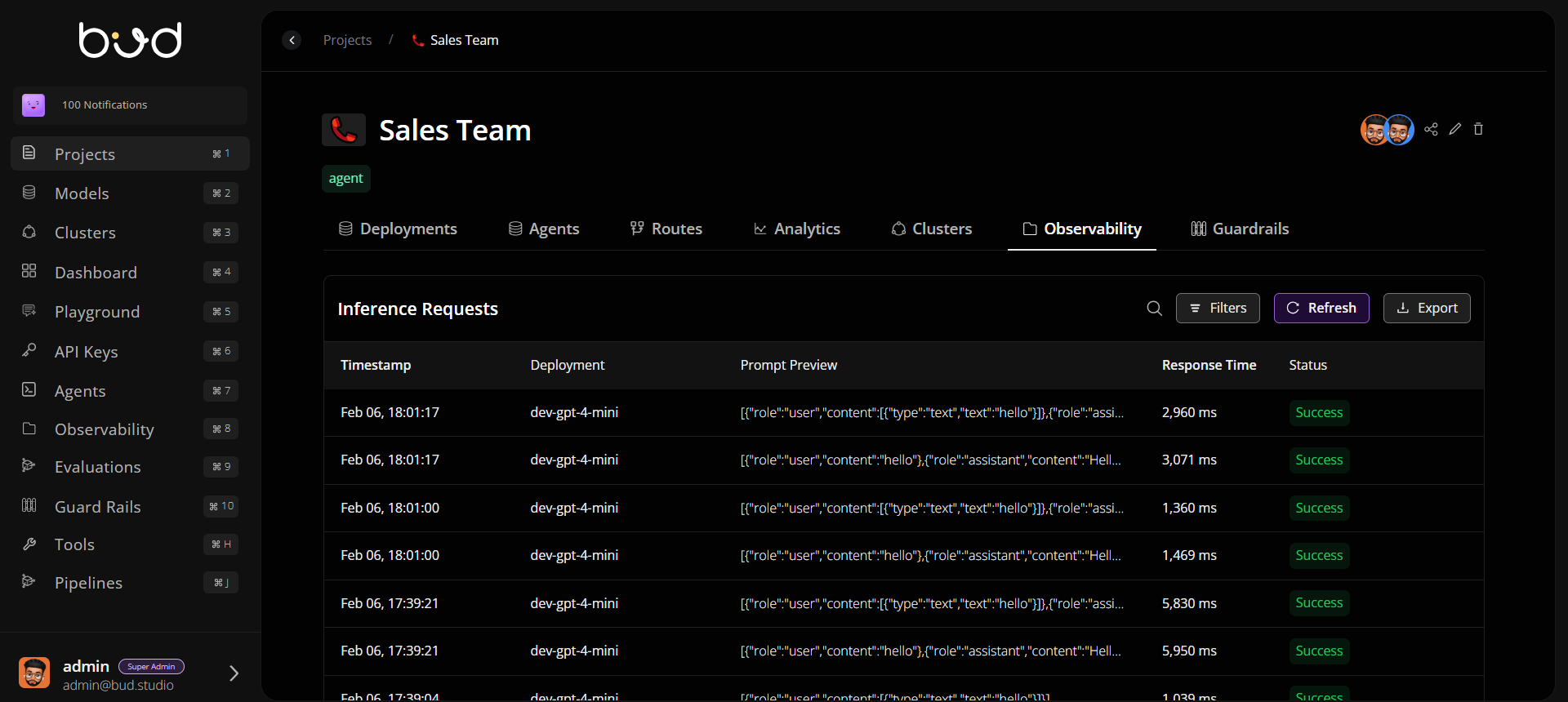
- Open Observability to verify runtime event visibility.
- Confirm traffic and error patterns are visible before broad rollout.
7. Apply Guardrails
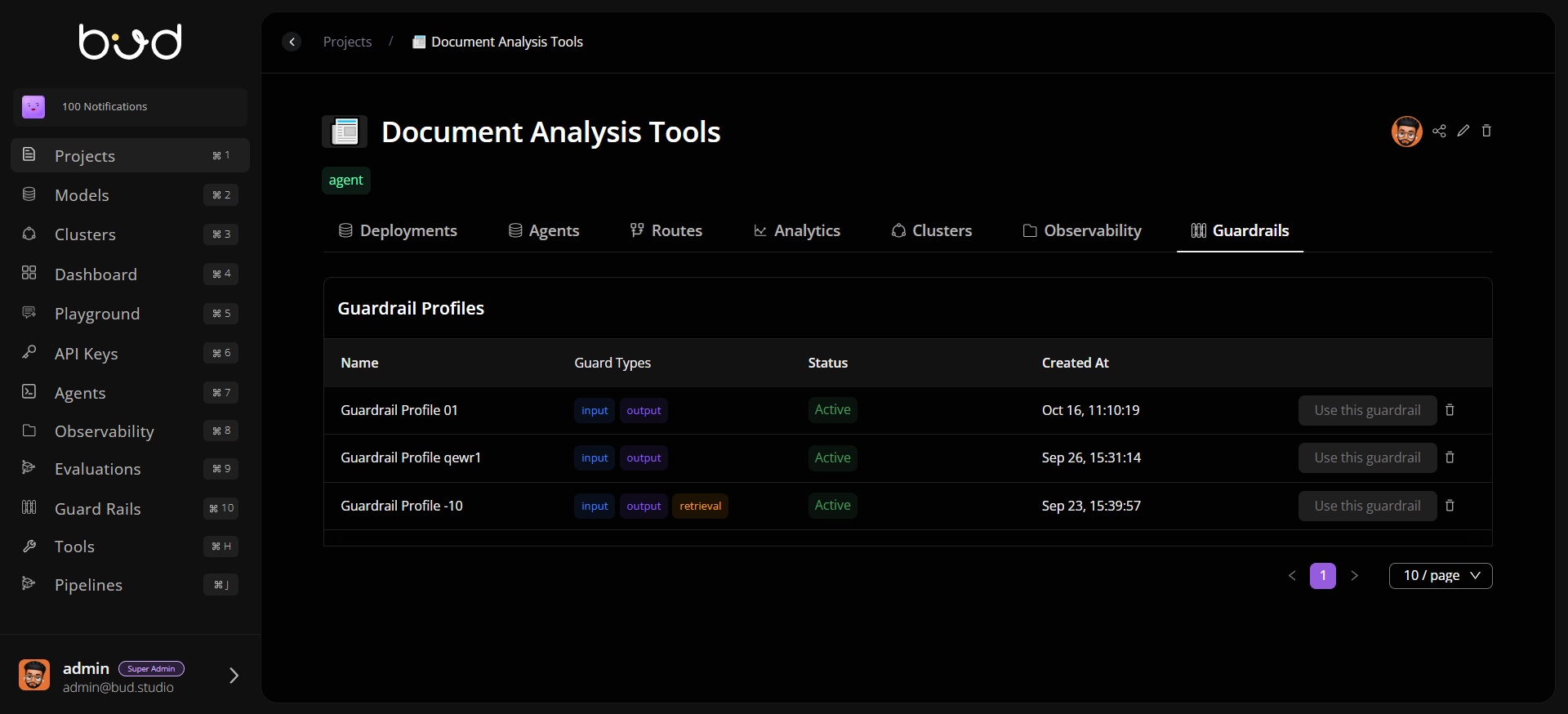
- Open Guardrails.
- Attach required safety or compliance policies.
- Verify policies are active and aligned with project requirements.
Completion Checklist
- Project created with metadata
- Team members invited with scoped permissions
- At least one deployment running
- Route configured to active deployment
- Analytics and observability validated
- Guardrails applied