
Overview
The Projects module is the operational home for delivery teams in Bud AI Foundry. A project groups the assets you build and run—models, deployments, agents, routes, analytics, and guardrails—so teams can work in one governed workspace instead of jumping between tools. Use projects to define ownership boundaries, manage access, and keep production operations auditable.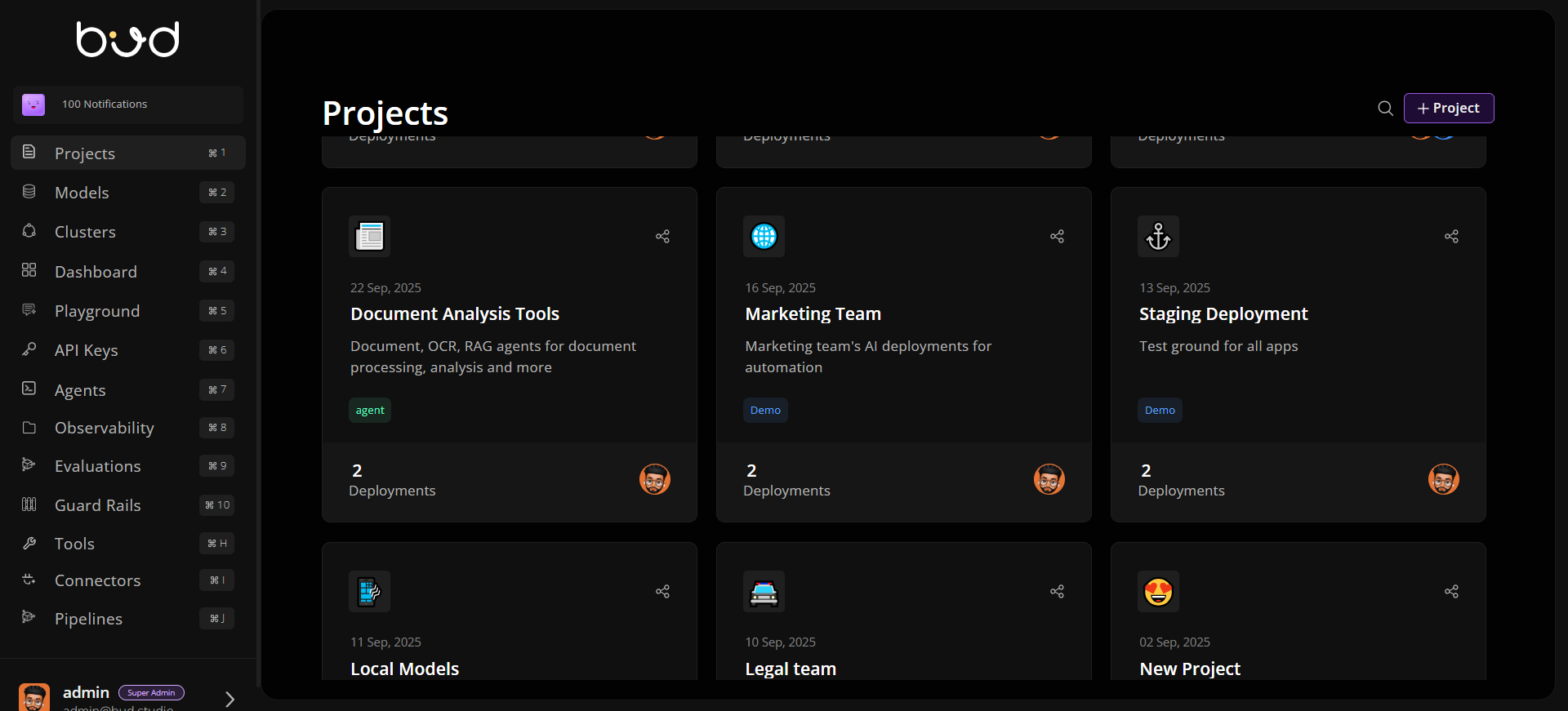
Why Projects Matter
Unified AI Delivery Workspace Track everything for an application in one place: deployment lifecycle, prompt/agent assets, routing, and runtime analytics. Collaboration with RBAC Project-level permissions control who can view, manage, deploy, edit routes, and configure settings. Built-in Governance Guardrails, observability, and deletion safeguards help teams enforce policy and reduce production risk. Cost and Performance Control Project analytics and deployment settings support SLO-aware tuning, autoscaling, and reliability controls.Core Areas Inside a Project
Typical Project Workflow
- Create a project with clear name, description, and tags.
- Invite collaborators with view/manage permissions.
- Deploy models into project-scoped endpoints.
- Configure routing and reliability controls.
- Monitor analytics and tune scaling/performance.
- Harden governance with guardrails and access reviews.