
Step 1: Open Project Deployments
- Go to Projects and open your target project.
- Select the Deployments tab.
- Confirm you can view existing endpoints and action controls.
Step 2: Create a Deployment
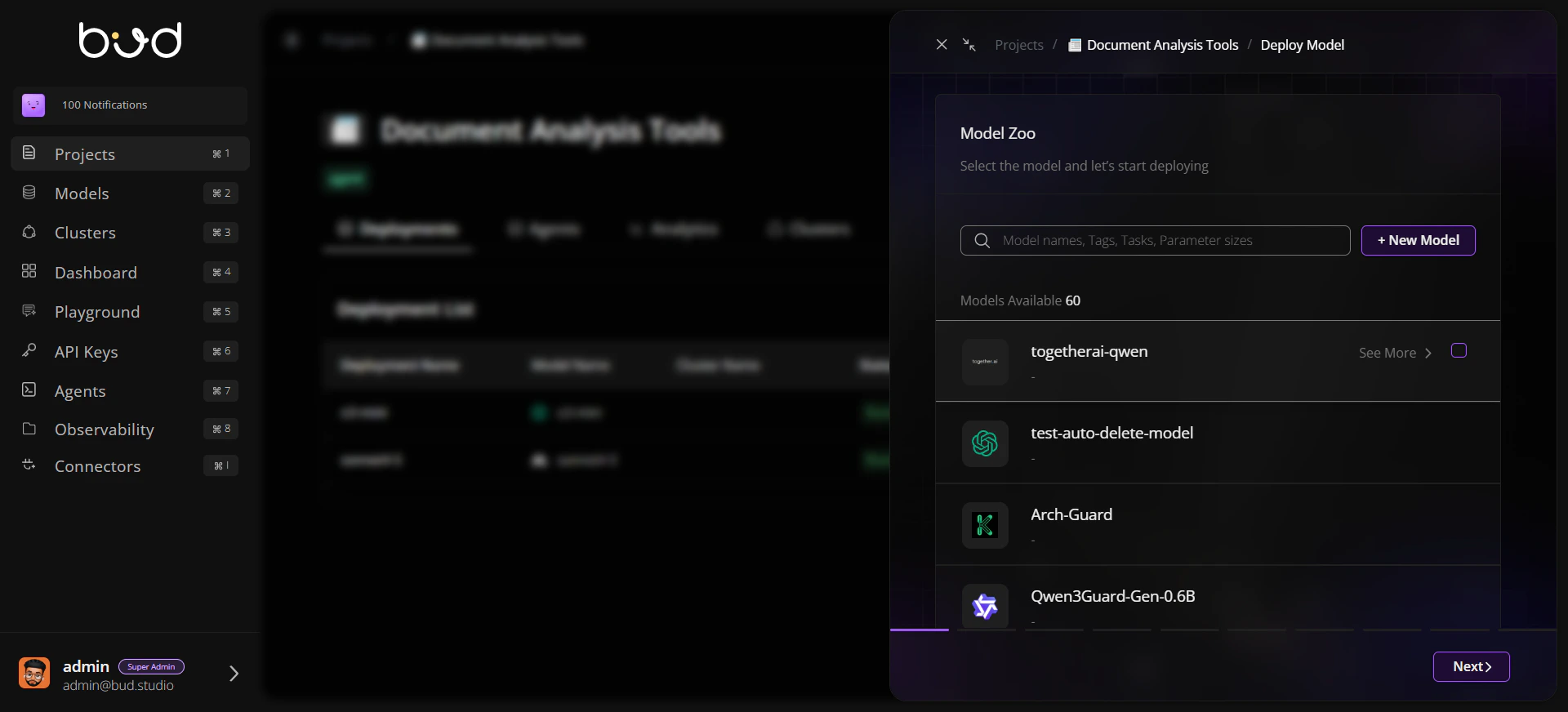
- Click Deploy Model.
- Choose a model (cloud or local).
- Select cluster and runtime profile.
- Set deployment name and performance targets.
- Submit the deployment request.
Step 3: Validate Deployment Readiness
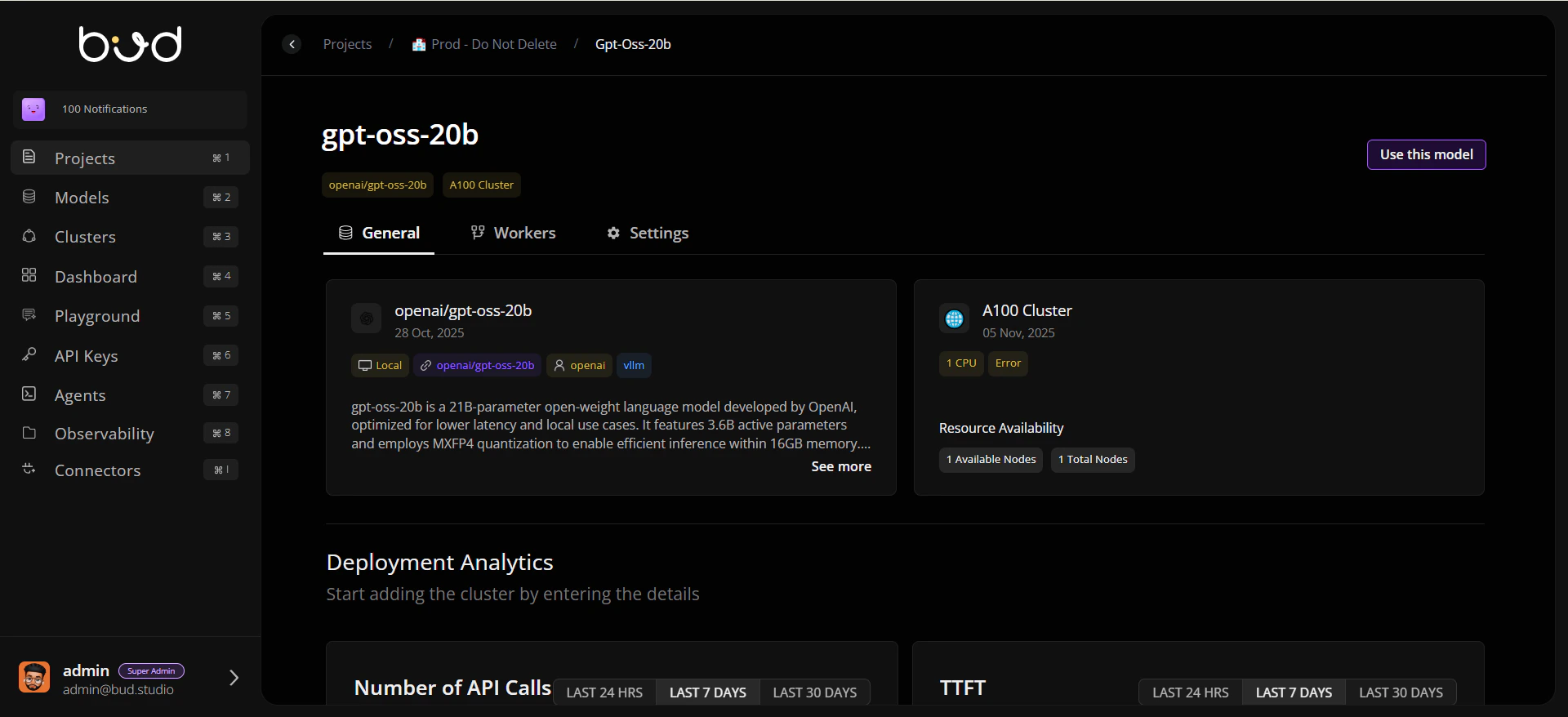
- Open the deployment detail page.
- Review the General tab for status and metadata.
- If this is a local deployment, check Workers for node health.
Step 4: Configure Reliability
- Open Settings.
- Enable and configure rate limiting strategy.
- Add retries and fallback deployment chain if needed.
- Save your settings.
Step 5: Use the Endpoint
- Return to the deployment row (or open General tab actions).
- Click Use this model.
- Copy cURL, Python, or JavaScript snippets.
- Run a test call in your app or API client.
Step 6: Publish for Customer Dashboard (Optional)
- Return to the Deployments list.
- Click Publish for the target deployment.
- Set pricing details and confirm publication.
- Verify the model appears in the Customer Dashboard portal catalog.