> ## Documentation Index
> Fetch the complete documentation index at: https://docs.budecosystem.com/llms.txt
> Use this file to discover all available pages before exploring further.
# Creating Your First Deployment
> Step-by-step tutorial to deploy, use endpoint snippets, and optionally publish
## What You'll Build
In this walkthrough, you will create a deployment, validate runtime health, use endpoint snippets, add reliability settings, and optionally publish it to the Customer Dashboard portal.
## Prerequisites
* Access to a project workspace
* Permission to manage deployments
* At least one available model source and cluster target
## Step 1: Navigate to Deployments
1. Open **Projects**.
2. Select your project.
3. Click **Deployments**.
## Step 2: Start Deployment Creation
1. Click **Deploy Model**.
2. Choose model source.
3. Select cluster and template/use-case profile.
## Step 3: Configure Runtime Targets
1. Enter deployment name.
2. Set concurrency and performance targets.
3. Review context/sequence-related runtime fields as applicable.
## Step 4: Launch and Validate
1. Submit the deployment.
2. Open its detail page.
3. Confirm **General** tab status is healthy.
4. If local, verify **Workers** activity.
## Step 5: Harden Reliability Settings
1. Open **Settings**.
2. Configure rate limiting strategy and quotas.
3. Add retry and fallback logic.
4. Save changes.
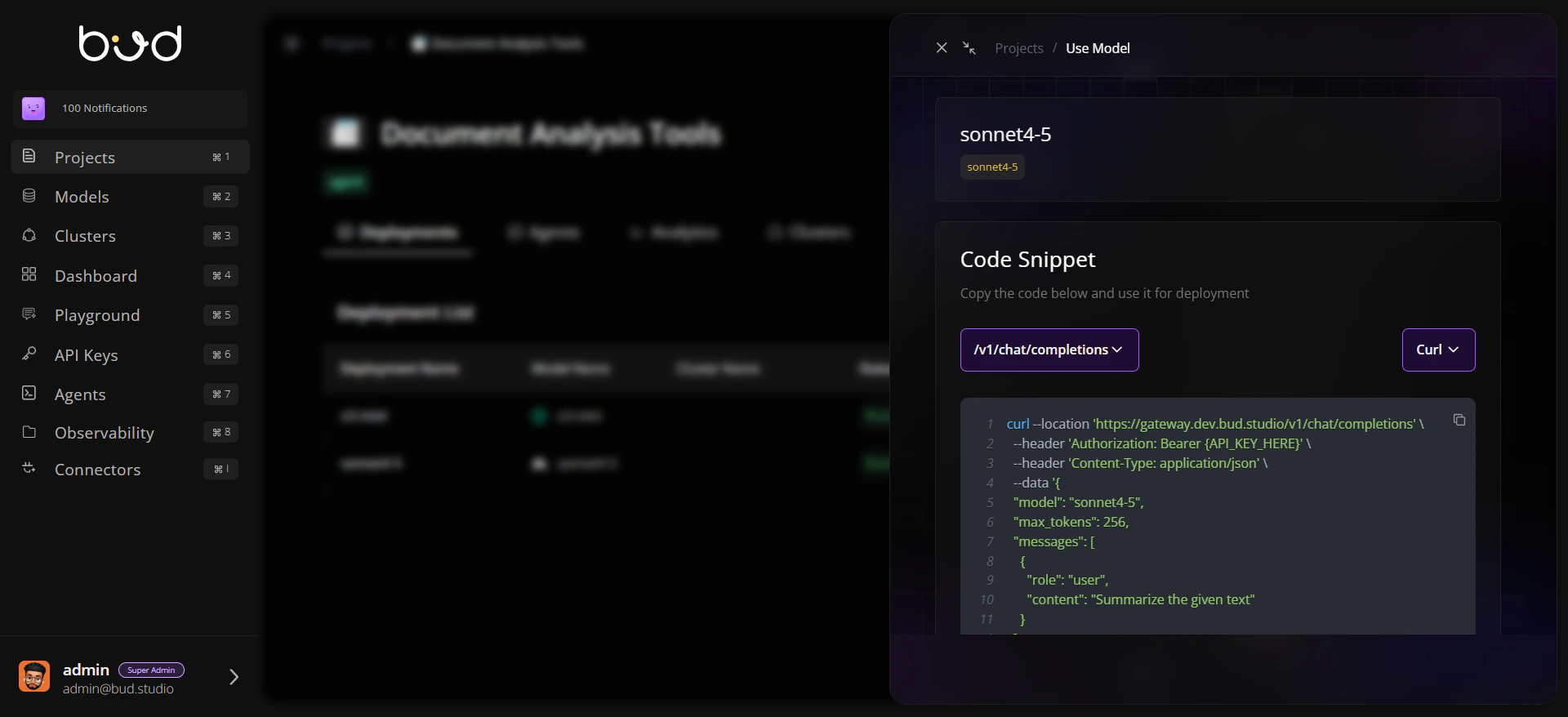
## Step 6: Use This Model for Integration
1. Click **Use this model** from the deployment row or detail page.
2. Copy cURL/Python/JavaScript snippet.
3. Run a test request from your application or API client.
 ## Step 7: Publish for Customer Dashboard (Optional)
1. Return to Deployments table.
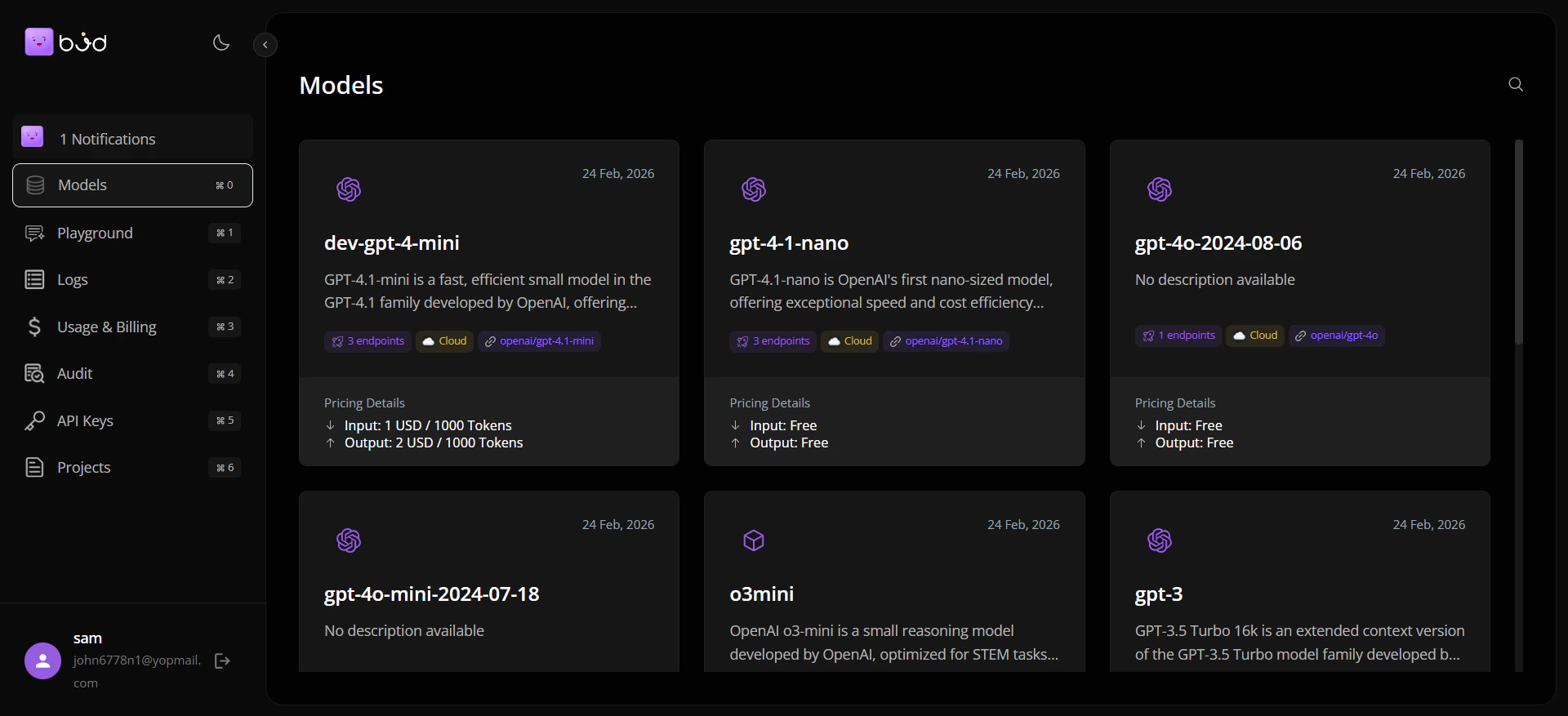
2. Click **Publish** and provide pricing metadata.
3. Confirm the model is available in the **Customer Dashboard portal**.
## Step 7: Publish for Customer Dashboard (Optional)
1. Return to Deployments table.
2. Click **Publish** and provide pricing metadata.
3. Confirm the model is available in the **Customer Dashboard portal**.
 ## End-to-End Flow
```mermaid theme={null}
flowchart TD
A[Open Project Deployments] --> B[Deploy Model]
B --> C[Set Runtime Targets]
C --> D[Validate General/Workers]
D --> E[Configure Settings]
E --> F[Use this model: Copy Snippet]
F --> G{Need customer portal listing?}
G -->|Yes| H[Publish with Pricing]
G -->|No| I[Continue Internal API Usage]
```
## Best Practices
* Use clear, environment-aware naming conventions for deployments.
* Validate deployment status before sharing snippets or publishing.
* Keep **Use this model** for direct API integration workflows.
* Use **Publish** only when the deployment should appear in the customer-facing portal.
## End-to-End Flow
```mermaid theme={null}
flowchart TD
A[Open Project Deployments] --> B[Deploy Model]
B --> C[Set Runtime Targets]
C --> D[Validate General/Workers]
D --> E[Configure Settings]
E --> F[Use this model: Copy Snippet]
F --> G{Need customer portal listing?}
G -->|Yes| H[Publish with Pricing]
G -->|No| I[Continue Internal API Usage]
```
## Best Practices
* Use clear, environment-aware naming conventions for deployments.
* Validate deployment status before sharing snippets or publishing.
* Keep **Use this model** for direct API integration workflows.
* Use **Publish** only when the deployment should appear in the customer-facing portal.